 Blog
Blog Podcast
 Ayuda
Ayuda Acceso de clientes

Cómo crear una página de ventas con MemberMouse y Elementor
Hace unos meses, publicamos un formación exhaustiva en vídeo sobre cómo puede crear y diseñar las páginas principales de su sitio de afiliación con MemberMouse y Elementor. Recibimos muchos comentarios positivos sobre la utilidad de esta formación. Pero, también escuchamos algunas preguntas acerca de cómo los principios que compartimos podrían ser utilizados para construir otros tipos de páginas que no se muestran en el video inicial.
That’s why we decided to create a follow-up training where we’ll show you how to build one of the most important pages for your membership site or online course: su página de ventas.
In this video, you’ll learn how to combine the power of MemberMouse and Elementor to build a dynamic sales page for your membership, online course, or coaching program. We’re really excited to share this with you and hope it simplifies the process of building your sales page.
¿Listo para sumergirte? Dale al play en el siguiente vídeo.
Resumen en vídeo
| 0:00 | Intro & Overview |
|---|---|
| 3:54 | How to set up your products & membership levels |
| 8:31 | Un vistazo rápido a la personalización de la página de pago |
| 10:01 | How to connect the functionality of MemberMouse & Elementor |
| 13:42 | Utilizar los enlaces de anclaje del menú para mejorar la experiencia del usuario |
| 15:42 | Niveles de afiliación para proteger los contenidos |
What You’ll Learn In This Video
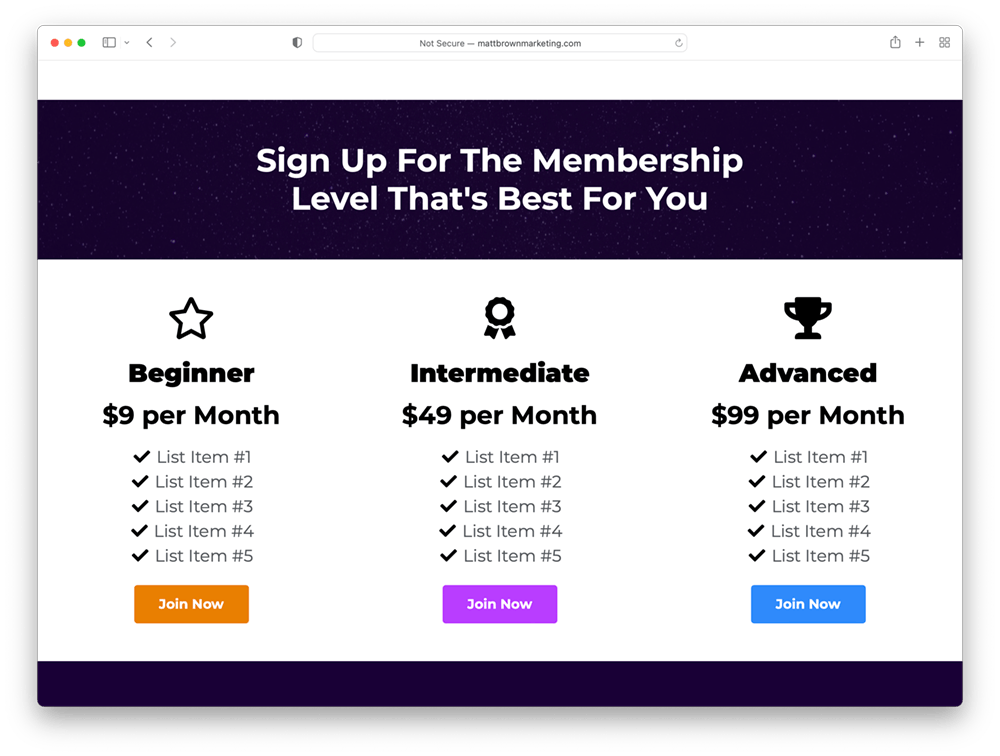
In this over-the-shoulder tutorial, you’ll learn how to build a fully functional sales page that allows you to sell multiple membership levels, online courses, or coaching packages. Plus, we’ll show you a few cool tricks for optimizing the on-page experience for your users, customizing your checkout pages, adding bundles to your memberships, and more.

Nota importante: In this video, we don’t cover all of the design techniques you can use to combine the power of MemberMouse & Elementor. That can be found a comprehensive training we released earlier this year. You can watch that training here: How To Build Your Site With MemberMouse & Elementor
Dominar la protección de contenidos
En 15:42 in the training, we show you the basics of how to use membership levels to protect content on your membership site. For more information about how this works, here’s a great introductory video for this as part of our Master the Essentials video series and link to our Best Practices guide:
Conclusión
Thank you for checking out this MemberMouse and Elementor tutorial video. If you have any questions about what we’ve covered here, please let us know in the comments below. We love helping people build powerful and profitable membership sites and would be happy to assist you.
Recursos adicionales


Blair Williams
Cuenta de empleado creada por MemberMouse




 ES
ES  EN
EN  DE
DE  FR
FR  PT
PT 


